

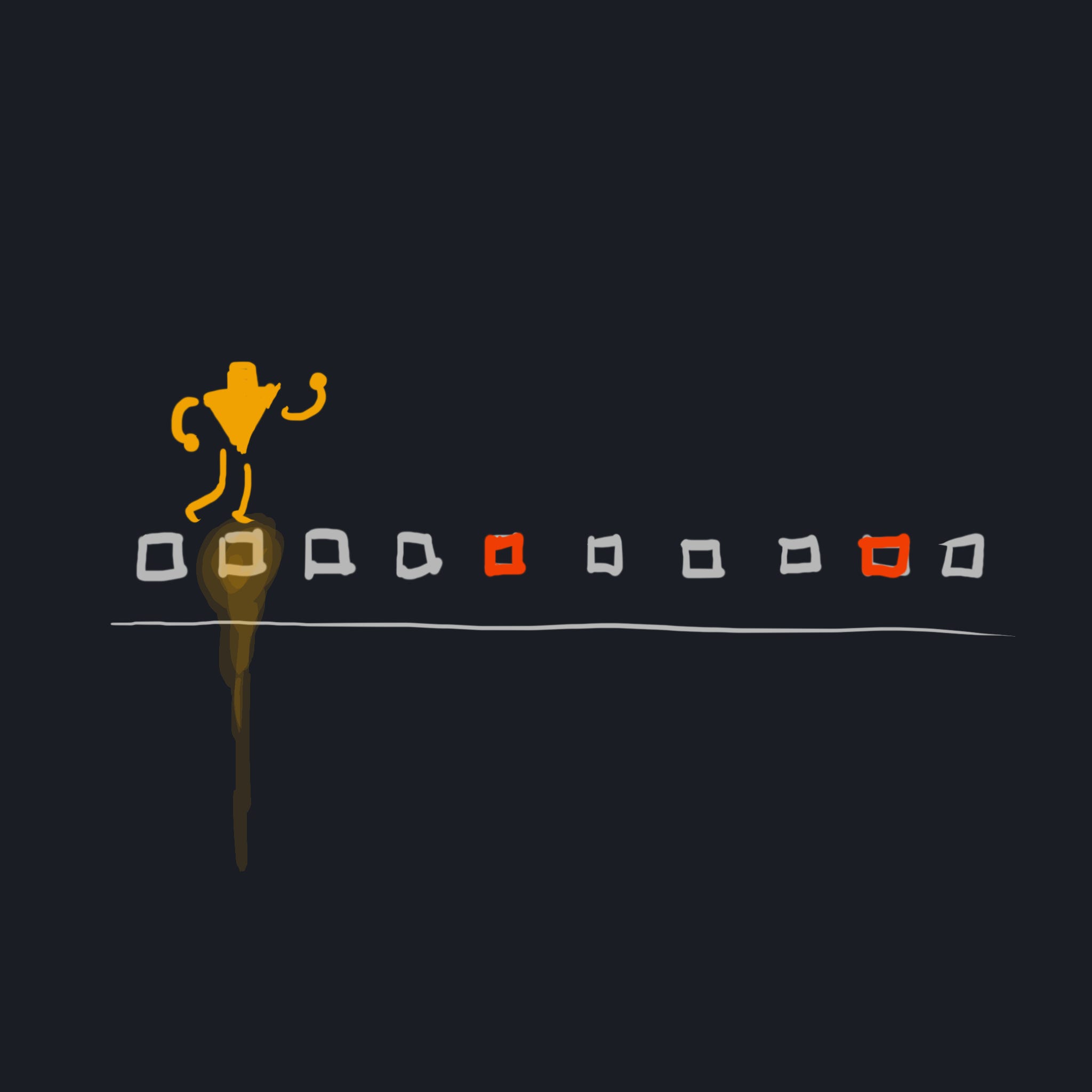
Now that we’ve seen how a debugger modifies a debuggee (using the kernel and CPU features), let’s put these pieces together and see how we might implement both breakpoints and instruction-level stepping in a basic debugger.
The Control Loop
Recall in Part 3 that we wrote a simple Windows “debugger”, which launched and attached to a process, and logged the debug events that the debugger received.
We launched and attached to the process through CreateProcessA:
  // launch process, attach
  char *cmd_line = arguments[1];
  STARTUPINFOA startup_info = {sizeof(startup_info)};
  PROCESS_INFORMATION process_info = {0};
  CreateProcessA(0, cmd_line, 0, 0, 0, DEBUG_PROCESS, 0, 0, &startup_info,
                 &process_info);
We gathered debug events using WaitForDebugEvent and ContinueDebugEvent:
// gather events from debuggee
for(DEBUG_EVENT evt = {0};
    WaitForDebugEvent(&evt, INFINITE);
    ContinueDebugEvent(evt.dwProcessId, evt.dwThreadId, DBG_CONTINUE))
{
  // use `evt`
  if(evt.dwDebugEventCode == EXIT_PROCESS_DEBUG_EVENT)
  {
    break;
  }
}
This “debugger” does nothing but follow along the debuggee as it executes. When it receives an event, it immediately resumes the debuggee, and doesn’t modify it at all. But an actually usable debugger, of course, allows the user to choose when the debuggee resumes, and what modifications to make before it does, through a user interface.
For the purposes of this post, those debuggee modifications will include instruction-level stepping and instruction-level breakpoints.
To support this, let’s enclose this event gathering loop with a control loop, which will receive commands to either place breakpoints, step threads, or to resume the debuggee.
for(B32 is_running = 1; is_running;)
{
  // read commands from user
  for(B32 need_commands = 1; need_commands;)
  {
    CommandKind kind = ...; // unpack the kind of command somehow
    switch(kind)
    {
      default:                        {...}break;
      case CommandKind_Resume:        {...}break;
      case CommandKind_Quit:          {...}break;
      case CommandKind_InstStep:      {...}break;
      case CommandKind_SetBreakpoint: {...}break;
    }
  }

  // gather events
  for(DEBUG_EVENT evt = {0};
      WaitForDebugEvent(&evt, INFINITE);
      ContinueDebugEvent(evt.dwProcessId, evt.dwThreadId, DBG_CONTINUE))
  {
    // ...
  }
}
First, for the basic commands, our work is simple.
For CommandKind_Resume, we simply set need_commands to 0. Execution flows to the event loop, which resumes the debuggee until an event occurs which the debugger would need to know about.
For CommandKind_Quit, we simply set need_commands to 0, then is_running to 0, and then we kill the debuggee—for example, on Windows, using the TerminateProcess API:
TerminateProcess(process_handle, 0);We also need to adjust our debug event loop to terminate (thus allowing for more command execution) under certain conditions. This is a debugger design decision, although many choices are obvious—for example, should the debuggee pause if the debugger is notified that a debuggee thread is created? Probably not. If the debuggee completes an instruction-level step, or hits a trap instruction? Then yes. If the debuggee encounters an exception? Then also yes.
// gather events
for(DEBUG_EVENT evt = {0};
    WaitForDebugEvent(&evt, INFINITE);
    ContinueDebugEvent(evt.dwProcessId, evt.dwThreadId, DBG_CONTINUE))
{
  B32 should_take_more_commands = 0;
  // ...
  // thread creation? should_take_more_commands -> 0
  // hit exception? should_take_more_commands -> 1
  // ...
  if(should_take_more_commands)
  {
    break;
  }
}
Now, let’s consider how we might implement the instruction-level stepping and breakpoint commands.